Free
$0
for one person
File your own receipts, mileage, and minutes.
- 30 successful scans each month
- Your own workspace
- Receipts, mileage, and minutes
Model Context Protocol
Connect your agent and it can browse receipt photos in your library, then send them to Expensy. A successful read is tracked, and a confirmed receipt can be exported to QuickBooks.
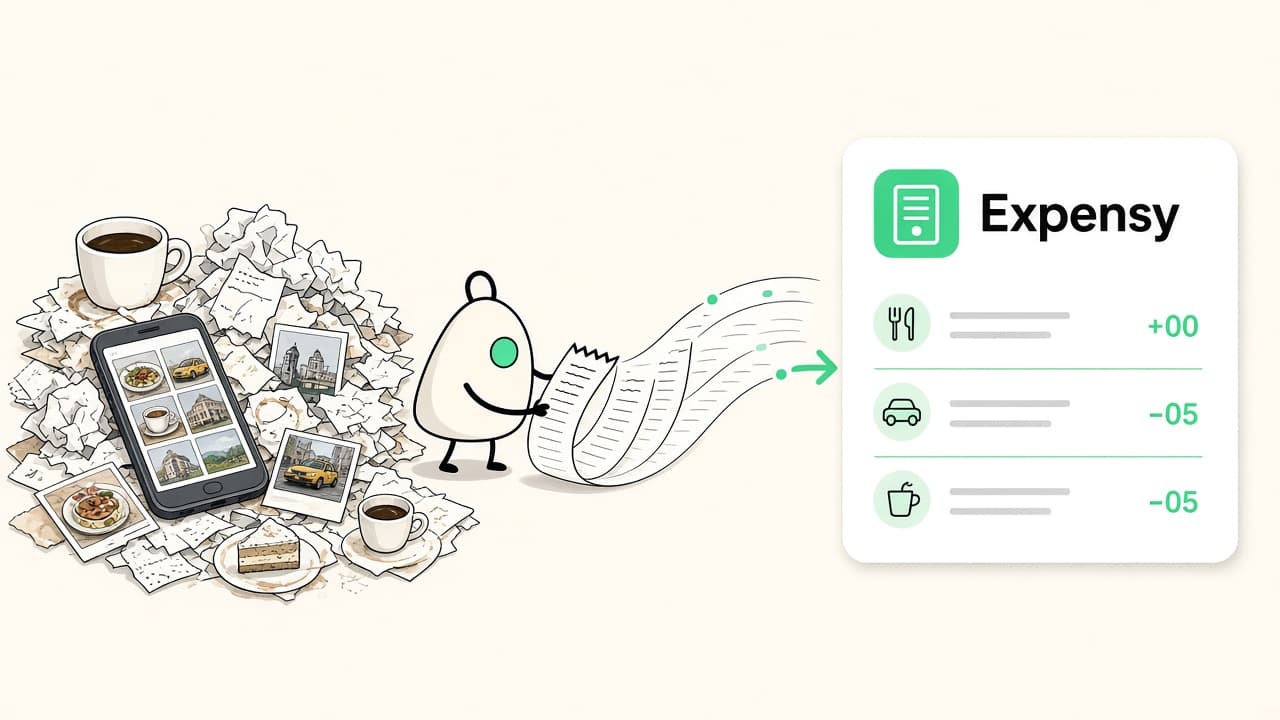
Cursor, Claude, ChatGPT, Muse, and other agents connect to Expensy. You approve it once, then ask in the conversation.
Ask, “Find the receipt photos in my library and send them to Expensy.” A successful read is tracked like any other scan.
The agent can search, add, and export receipts, mileage, and minutes without you copying rows out of the dashboard.
The agent opens Expensy in the browser so you can approve it. It does not receive your password.
The same records you keep in Expensy, reached from the agent you already use.
Browse photos, send them in, then correct the merchant, date, total, and category before you confirm.
Add a trip from a purpose, date, and miles. The amount uses the IRS business rate for that date.
Save the notes you type, with the people who attended and a link to a receipt or a trip.
Download a spreadsheet, or send a confirmed receipt to QuickBooks when that workspace is connected.
Choose the agent, paste the setup, and approve the connection in the browser.
Paste the setup into Cursor. It adds Expensy and opens the browser so you can approve the connection.
This connection uses OAuth. The agent opens Expensy in the browser so you can approve it.
Expense tracking
Photograph a receipt and Expensy places it in a category. Mileage and meeting minutes stay with the person who submitted them. In a team, the owner can see the whole workspace.
This month
12 / 30
Northline Cafe
Meals
$18.40
Harbor Air
Travel
$426.18
Client workshop
Minutes
Today
A photo becomes merchant, date, total, and one category. You review it before it is confirmed.
Trips and meeting notes live beside the expenses, each one tied to the person who entered it.
The owner sees every submission. Everyone else sees their own. An accepted invite raises that person's scan allowance.
Pricing
Free is $0. Pro is $3 a month. Teams is $5 a person each month, with a five-person minimum.
$0
for one person
File your own receipts, mileage, and minutes.
$3
per month
A higher scan allowance and a personal QuickBooks export.
$5
per user / month
A shared workspace with a higher allowance for every person.
The full feature chart is on the pricing page.